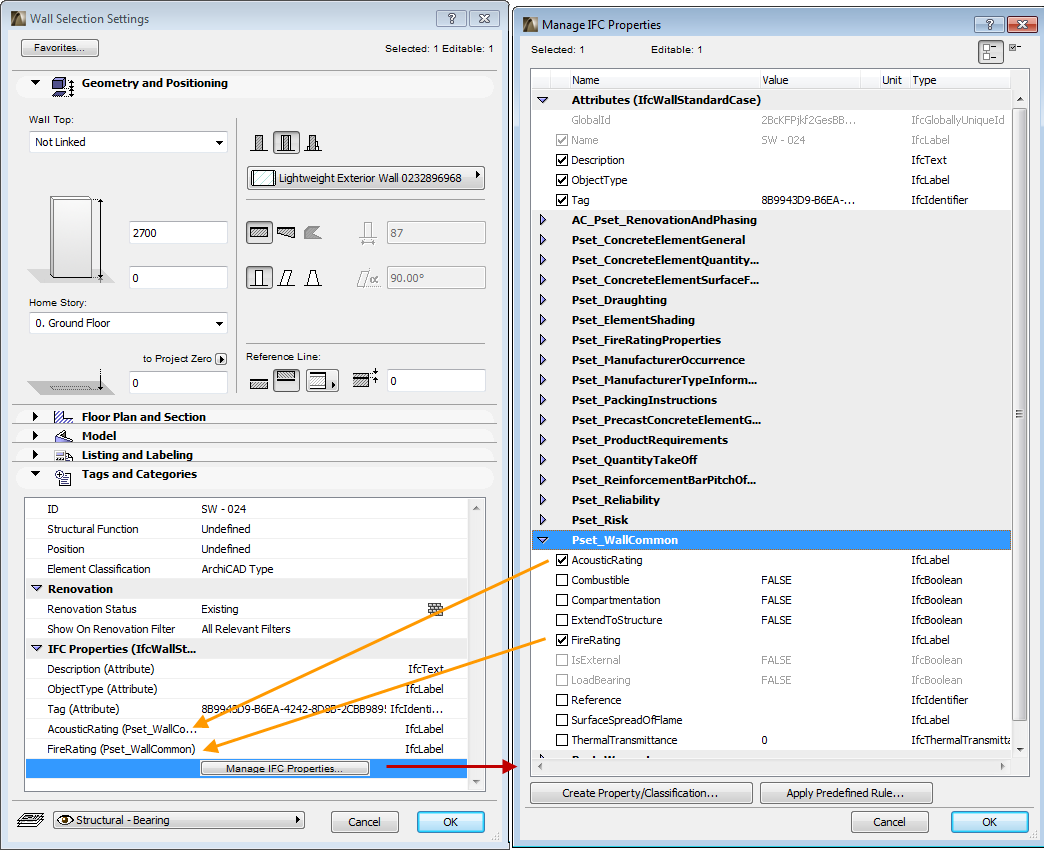
Connection between ArchiCAD Model and IFC Data
IFC data (attributes, properties, classifications, etc.) are native ArchiCAD properties, so they can be assigned to elements, stories, buildings and projects at any time.
See IFC Data Types.
Since the IFC properties are native to ArchiCAD, the following functions are available:
•Assign, edit and view IFC properties in the element Settings dialogs (Tags and Categories panel).
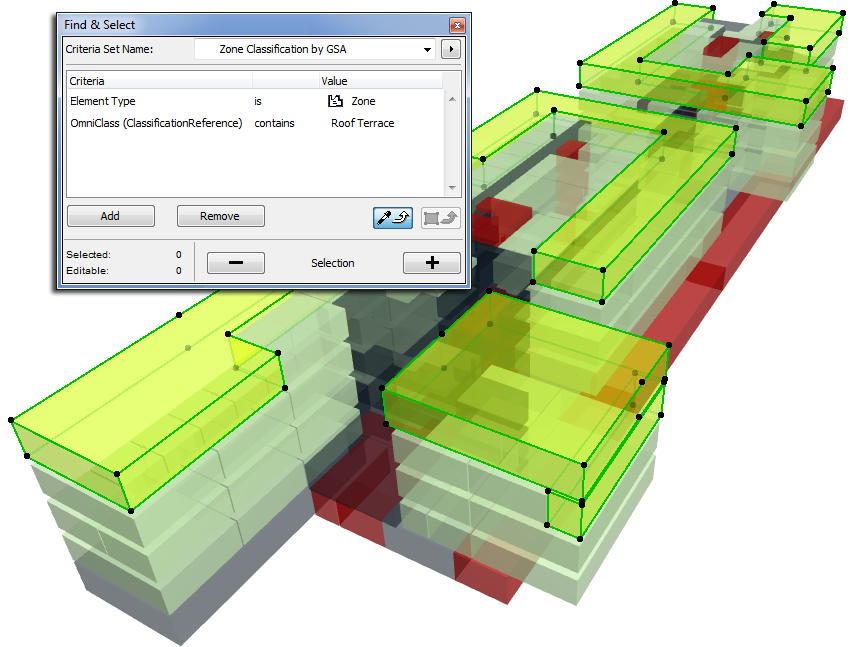
•Use the Find & Select command to search for the IFC properties of any element.
•Use Interactive Element Schedule to list the IFC properties of any element.
See Interactive Schedule.
•You can use the Pick up/Inject Parameters shortcuts and Copy-Paste to transfer IFC properties from one element to another.
• IFC properties are included in the settings of elements saved as Favorites. Thus, you can use these Favorite elements (together with their IFC properties) in different ArchiCAD projects. Project template file can also include IFC properties.
See Favorites.
•The IFC content of Hotlinked Modules can be queried and listed.
•In Teamwork, IFC data can be modified for elements that you have reserved.
•The IFC data of elements are accessible through the ODBC driver and the ArchiCAD API (Add-Ons that can be developed for ArchiCAD).
Use the IFC Manager to manage all IFC data related to the project (including that of Hotlinked Modules). You can navigate easily between the model elements and the data listed in the Manager, both from the Floor Plan and from 3D views.
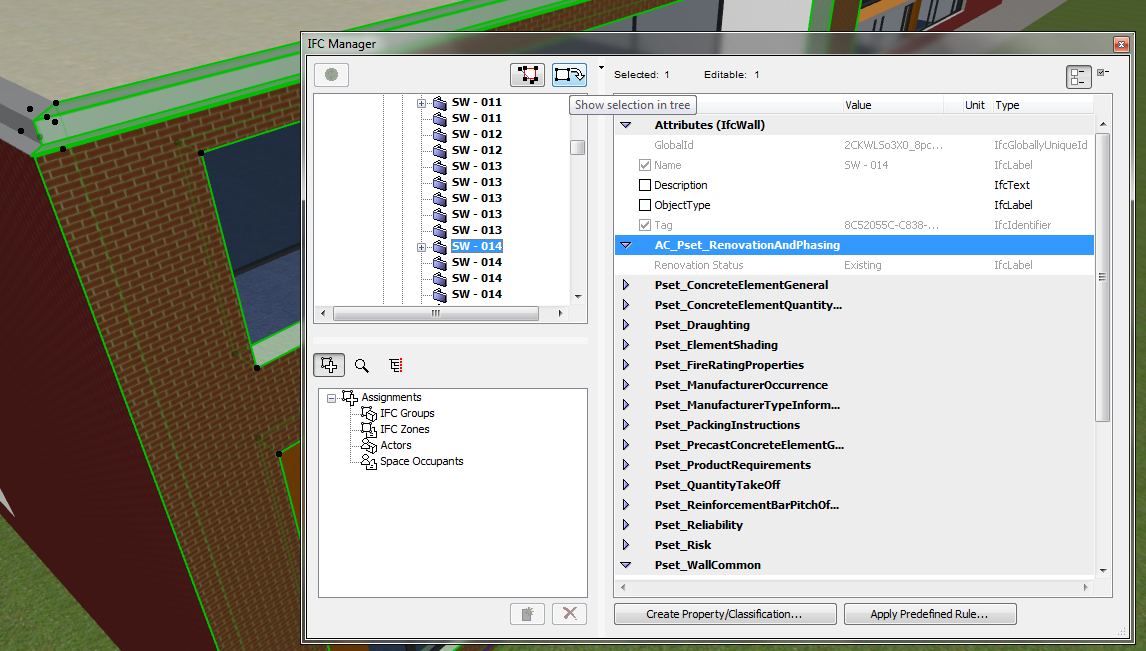
See also IFC Manager.
•Parameters can be assigned to ArchiCAD Library Parts (Object, Door, Window, Skylight, Stair, Zone and Lamp) using one of the following methods; then they can be exported as IFC properties.
•Use rules to map the parameters to certain elements, assigning standard names (those of the IFC 2x3 scheme; for example, the Acoustic Rating and Fire Rating parameters for Doors and Windows). Alternatively, assign any parameter name, thereby creating custom IFC properties.
See IFC Options.
•By setting just one option, you can have all element parameters automatically converted during export into custom IFC properties.
See Export Options.
When assigning IFC properties to elements, or saving ArchiCAD Library Part parameters as IFC parameters, you should naturally choose the parameters that the receiving application is capable of reading, displaying or querying. Thus it is worthwhile to consult with the engineer or other professional to whom you plan to send the data. As a rule, the freely downloadable IFC viewers are capable of listing all assigned IFC properties by element.