When importing model-based data using IFC, the imported data will include not just the geometry of the elements, but also many of their parameters.
The most important general IFC properties will be interpreted as ARCHICAD attributes. These include, for example, construction materials (e.g. the steel quality of a column, represented in ARCHICAD by a Building Material), composites, profiles, presentation styles (as ARCHICAD Surface), and layers.
IFC properties imported from an IFC model become part of the running ARCHICAD project and will be considered native ARCHICAD properties. Certain of these IFC properties have exact counterparts as ARCHICAD parameters - for example, Structural Function and Position.
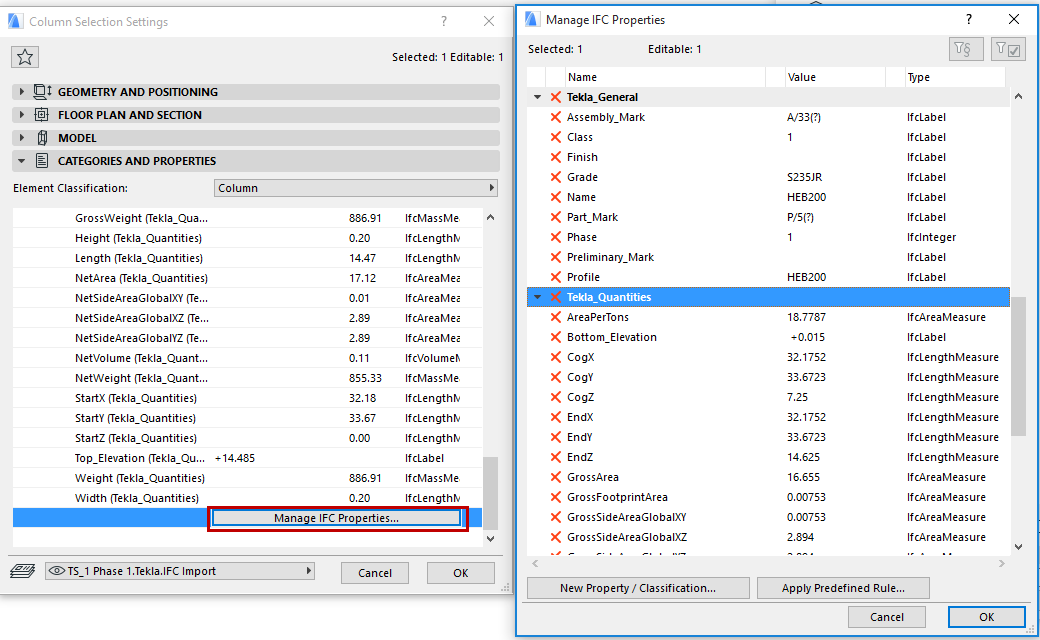
Other IFC data will appear as standard or custom IFC properties in the element’s Settings dialog box and, for the model as a whole, in IFC Project Manager.
Since the IFC properties are native to ARCHICAD, the following functions are available:
•Assign, edit and view IFC properties in the Manage IFC Properties dialog, accessible from the element Settings dialogs (Classification and Properties panel).
•Use the Find & Select command to search for the IFC properties of any element.
See Find and Select Elements by IFC Data.
•Use Interactive Element Schedule to list the IFC properties of any element.
See Scheduling Elements with IFC Data.
•Use the Label tool to show IFC properties of any element in the ARCHICAD window.
•You can use the Pick up/Inject Parameters shortcuts and Copy-Paste to transfer IFC properties from one element to another.
See Parameter Transfer.
•The IFC content of Hotlinked Modules can be queried and listed.
To see all the imported IFC properties of imported IFC models (Structural, MEP, etc.), use the IFC Project Manager. There, you can further filter the displayed properties by visible layer: this way, you can show only the properties of a particular IFC model, or just part of the model. The structure of the IFC Project Manager enables you to easily navigate among elements, which can be listed either by type or by containment structure, and selected in the Floor Plan or 3D Window.
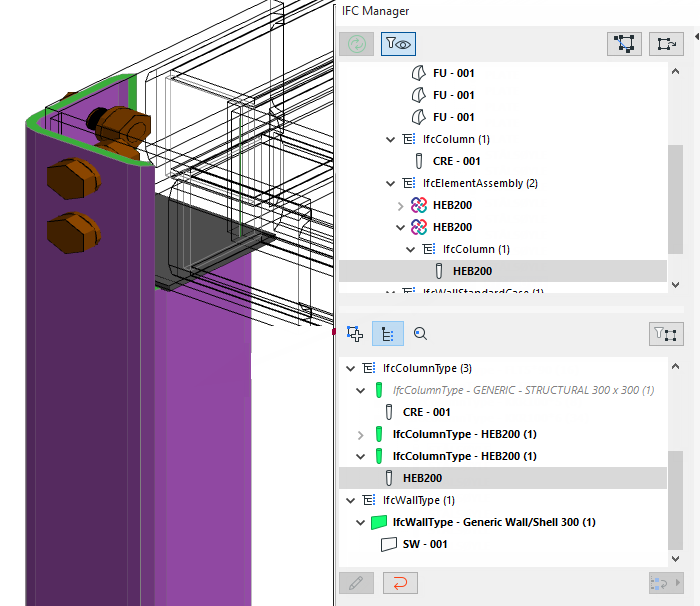
See also IFC Project Manager.