AI Assistant (Beta)
The AI Assistant is built into Archicad, helping you learn faster, navigate documentation, and work with your model in natural language.
With AI Assistant Spaces, you can also build a personalized knowledge base from your own documents and get answers, summaries, and insights directly from that content.
In Archicad, depending on the subscription plan, Archicad MCP connects AI directly to the model for structured access to real project data and approved batch edits, either through the MCP-enabled AI Assistant or through the Public Archicad MCP Server for compatible desktop AI applications, always under customer control.
AI Assistant requires an Internet connection.
How to access AI Assistant
- Show the AI Assistant Action button: Window > Palettes > AI Assistant or Help > AI Assistant.
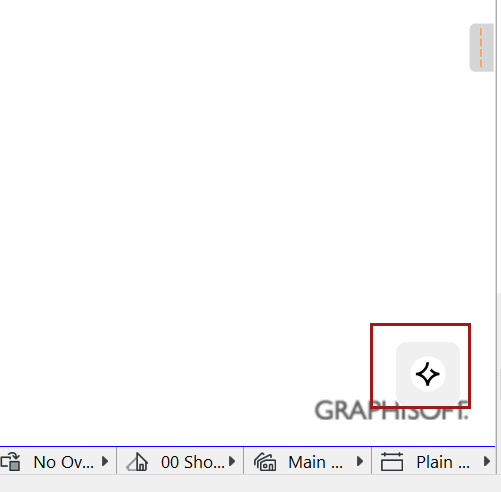
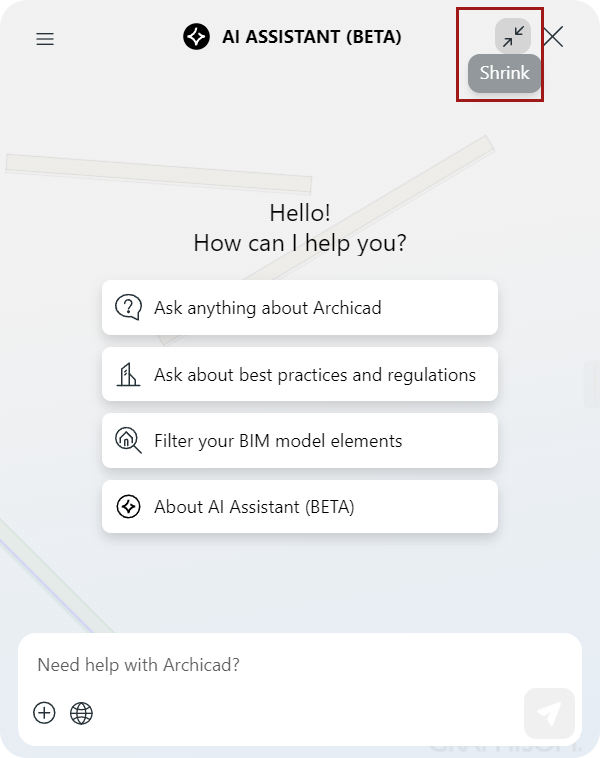
By default, the AI Assistant palette is shown as expanded. Use the "expand/shrink" button to change its display.