Access and permissions on BIMcloud
Setting up access and permissions for BIMcloud content
Company administrator with full access
Your BIMcloud comes with one company administrator account, which you specified during the purchase process.
The company administrator has full rights to everything: create users, manage projects, and assign permissions, plus all Teamwork permissions.
Access and permissions: the basics
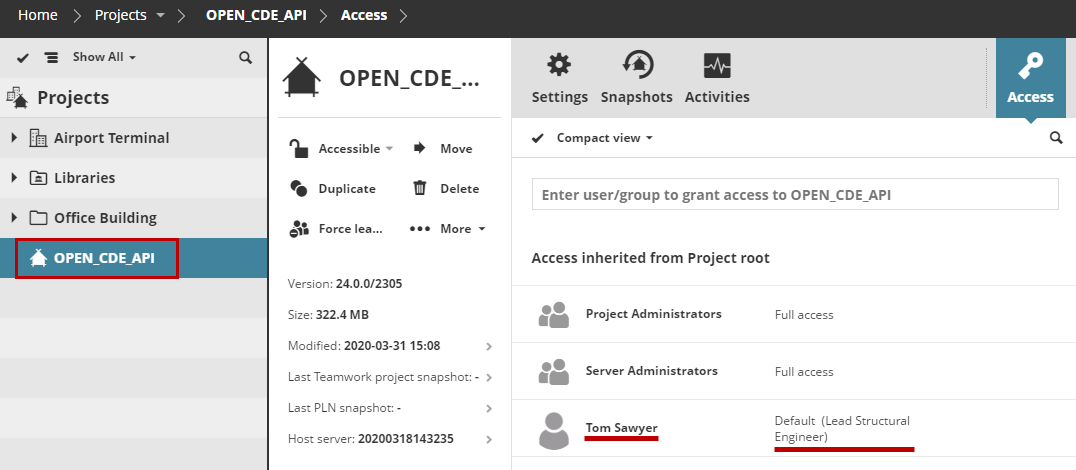
Granting access involves three aspects:
-
Whichcontent item is accessible (e.g. Root, folder, project, user, group) by
-
Whom, (e.g. user or group) and
-
What can they do with it (role)
Access granted at a higher level of the folder hierarchy is automatically granted to all its child elements.