Grant access
How to provide users with access to BIMcloud content
Granting access involves three aspects:
-
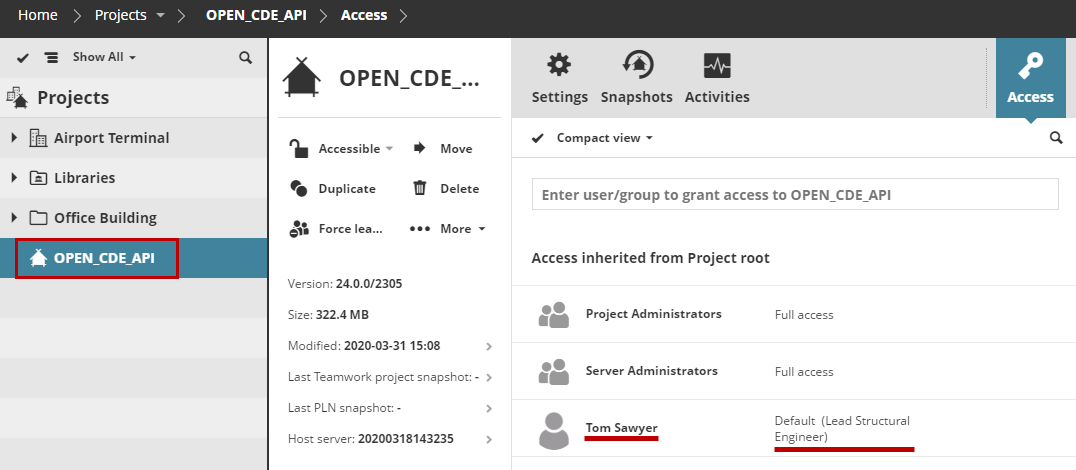
Whichcontent item is accessible (e.g. Root, folder, project, user, group) by
-
Whom, (e.g. user or group) and
-
What can they do with it (role)
Access granted at a higher level of the folder hierarchy is automatically granted to all its child elements.
To grant access to a content item on the BIMcloud, follow these three steps:
Select the item (for example, a Teamwork Project) in the Navigator.
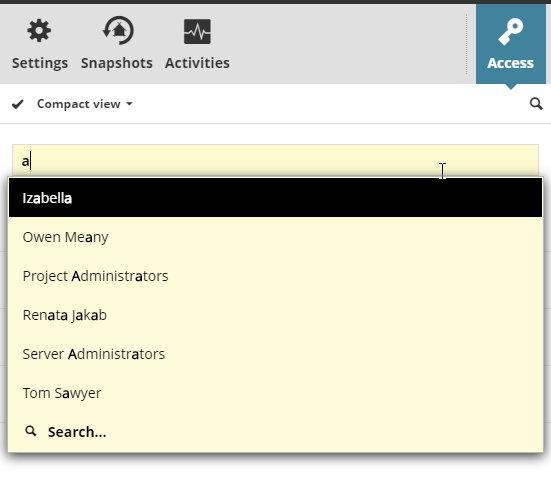
Open the Access panel and start to type the name of who can access it (user or group), or click Search. To grant access to all users, use the special Everyone group.
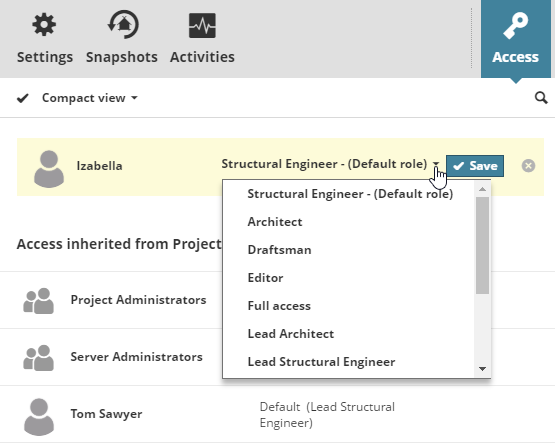
- Choose a role for the selected user or group – this defines what role they have for the
selected item. (Each role is a set of permissions. Define and edit roles on the Roles page.) You can:
- Choose a predefined role
- Choose "Custom" to create a custom role for the user on this item. This opens the Detail view of the Access panel, where you can select customized permissions for this Custom role. See BIMcloud Access panels