BIMcloud Access panels
See who has access to each content item on BIMcloud Manager
Select a content item (e.g. Project Root, Folder, or Project) in BIMcloud Manager. The Access panel shows which users or groups have access to that item.
Access granted at a higher level of the folder hierarchy is automatically granted to all its child elements.
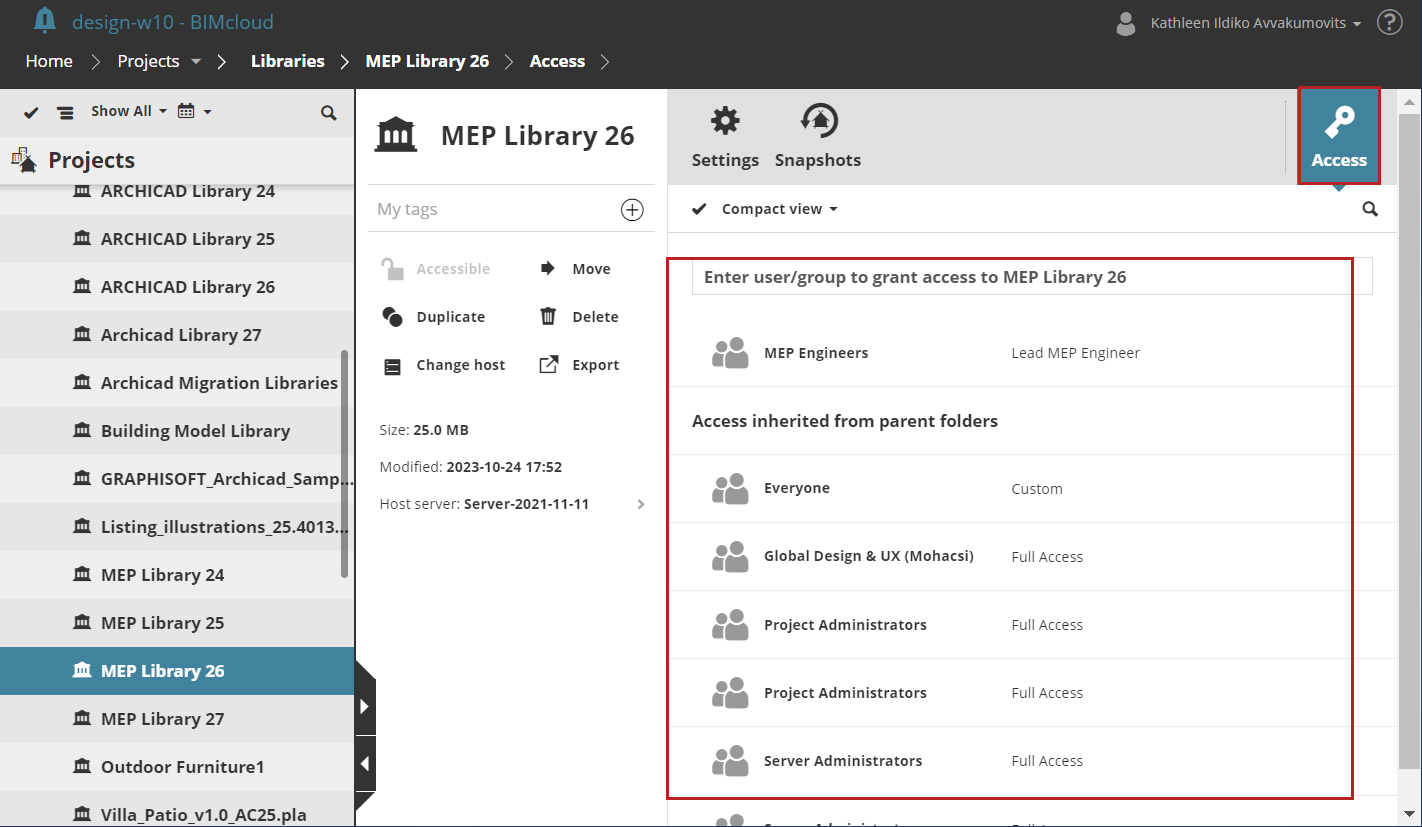
- Compact view:
- The top part of the list displays users/groups if they were granted access to this particular item (the admin added their name manually - see Grant access)
- The bottom section (“Access inherited from parent folders”) displays users/groups who can access this item because they already have access to the parent folder.
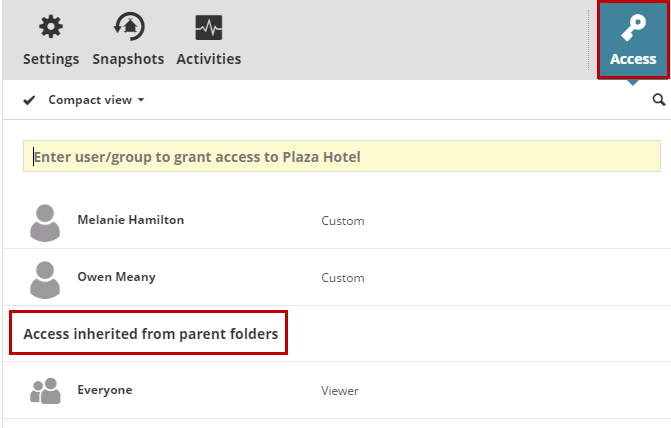
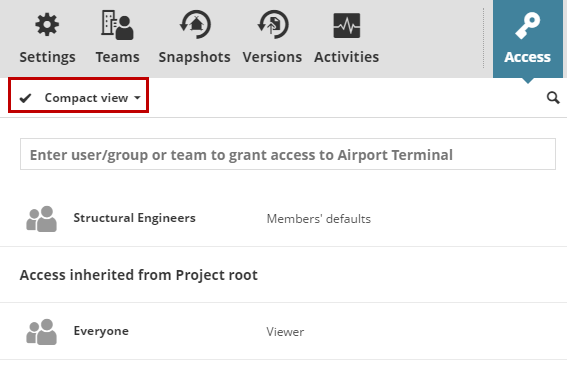
- Summarize by users:This is a flat list of users and groups who have access to this item
To switch between Compact View and Summarize by users, use the pop-up above the list.
See user’s permissions
In the Access panel of any content item: Hover over a user or group and click Details.
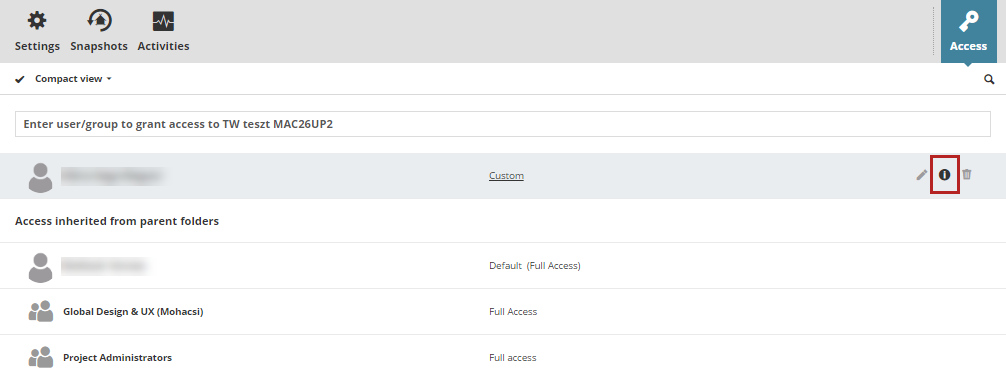
The details page shows all permissions for this user, by role.
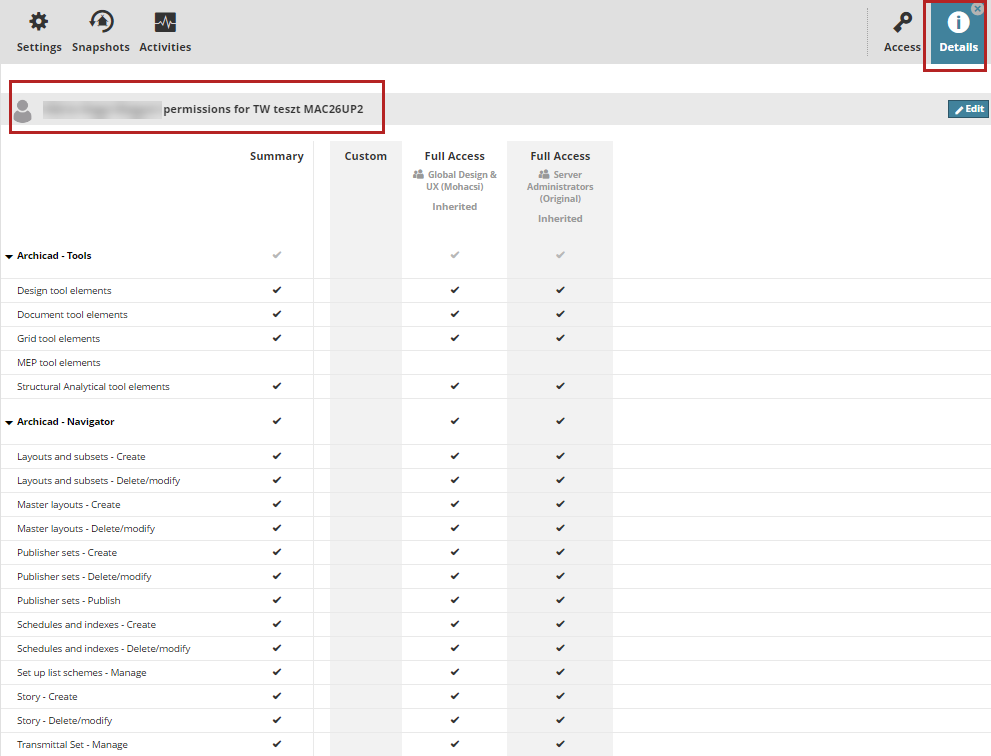
Each permission allows the user to perform a specific operation. The Summary column shows the aggregated permissions for the selected user/group.
The final permission set for a user for the content item is an aggregate of all roles which have been assigned to them or their groups.