Create, duplicate, or delete role
Managing roles on BIMcloud
Create role
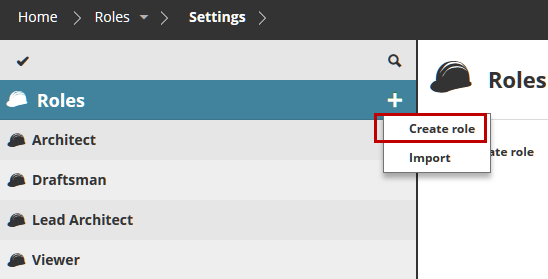
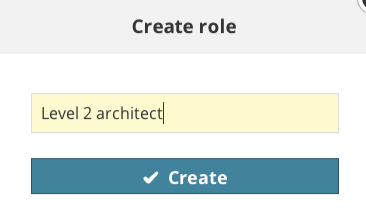
Click Create Role from the plus sign next to the Roles root, or from the Root Summary. Enter a role name.
Define its permissions by editing the checkboxes in the Settings panel.
See alsoEdit a role.
Duplicate role
Use this if you want to create a user with settings similar to those of an existing role.
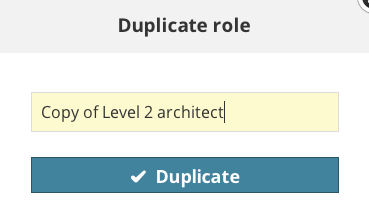
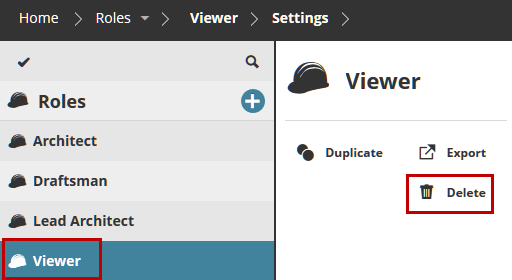
Select the existing role, then click Duplicate from the Summary panel. Give the duplicate role a new name. Then adjust its settings in the Settings panel.
Delete role
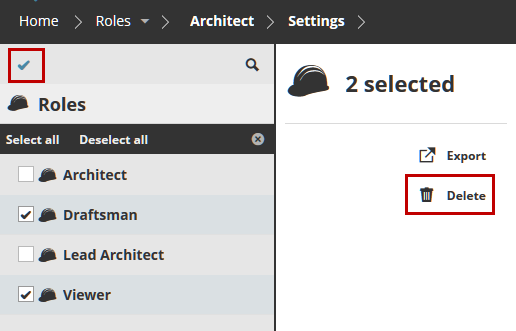
Select one or more roles to delete.