Manage BIMcloud roles
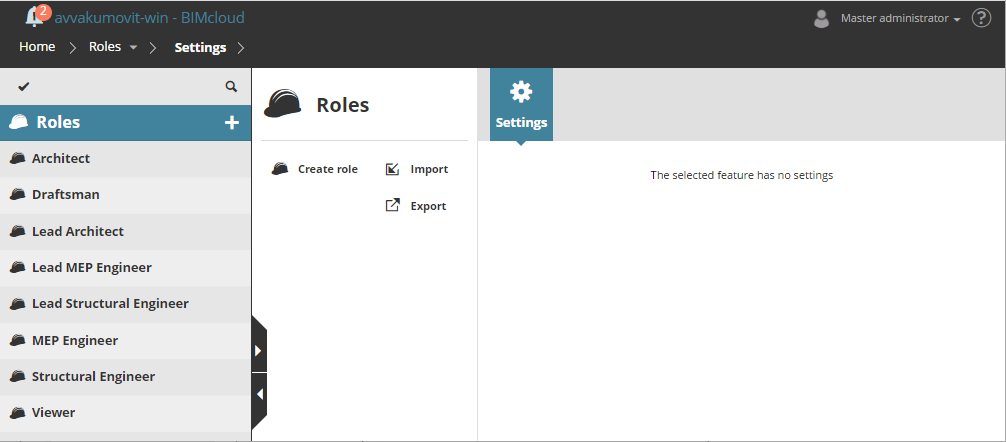
View, create, and modify roles and their permissions.
Roles are a set of permissions that describe what the owner of the role can do with specific element types or data types, both on the BIMcloud Manager or in Archicad Teamwork projects.
The administrator can use roles to limit the functions available for a specific user to prevent accidental damage or unwanted modifications to the project. Each user can have different roles for different projects. Even a view-only role can be created, allowing such users to join the project without being able to modify anything.
For most BIMcloud SaaS setups, it is recommended to assign users to the appropriate default user group(s), rather than creating new ones. Each default group has predefined roles, so once a user is added to a relevant group, they can begin working with the correct permissions.
See Best practices for user groups and roles
Use the Access panel of the BIMcloud items to grant a Role to a User or Group for the currently selected item (e.g. Project Root, Folder, or Project).
See Grant access