Draw Selection Area
Select elements by drawing a polygon around them.
- Activate the Arrow tool.
- Click outside the element.
- Draw a selection rectangle that includes at least one node of the element.
Selection Polygon Methods
To access these options in the Info Box, do one of the following:
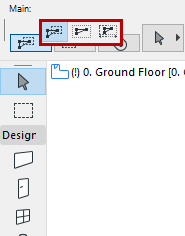
Partial elements method (default)
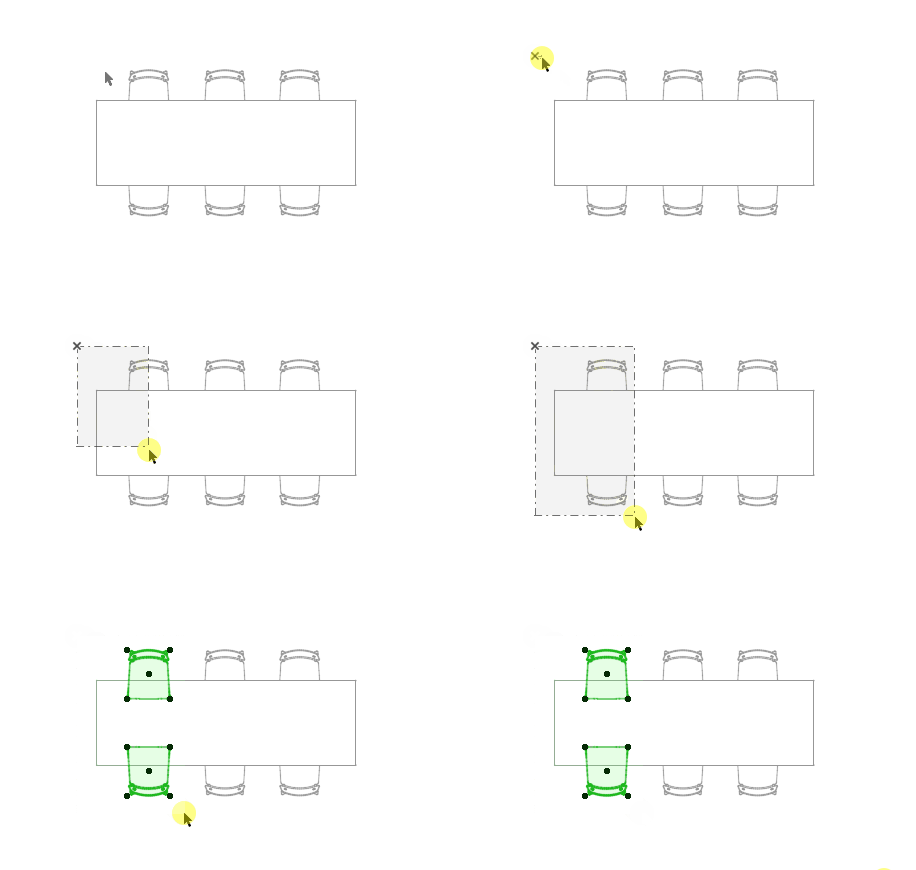
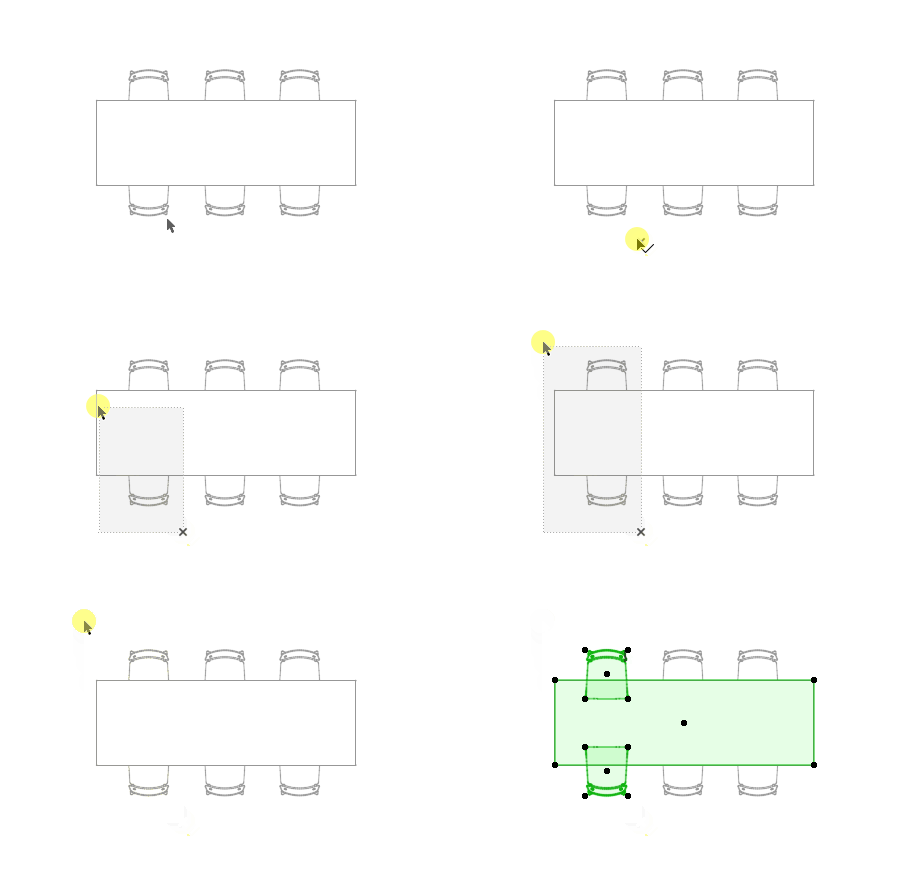
Any element with at least one node inside the polygon is selected.
Entire elements method
Any element with all nodes inside the polygon is selected.
Direction-dependent method
Selection logic depends on the direction in which you draw the polygon.
Selection Polygon Shapes
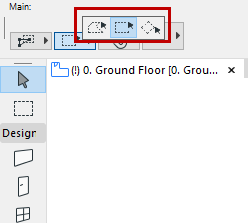
To access these options in the Info Box, do one of the following:
Selection area shape options are Polygonal, Rectangular and Rotated Rectangular.
Related Topics:
Selection dot colors: see Selection and Element Information
Select Morph sub-elements: see Morph Selection
MEP connection ports: see MEP-compatible Objects