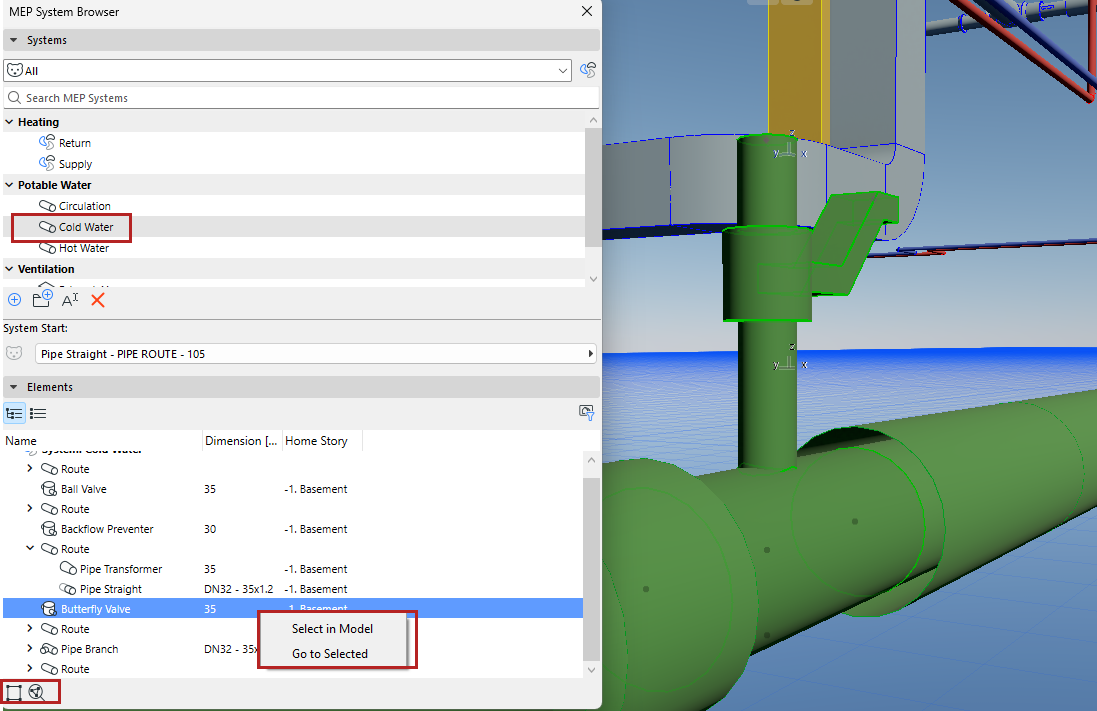
View data in System Browser
Select a System in the top half of the browser to see dimensions and calculations for its elements below
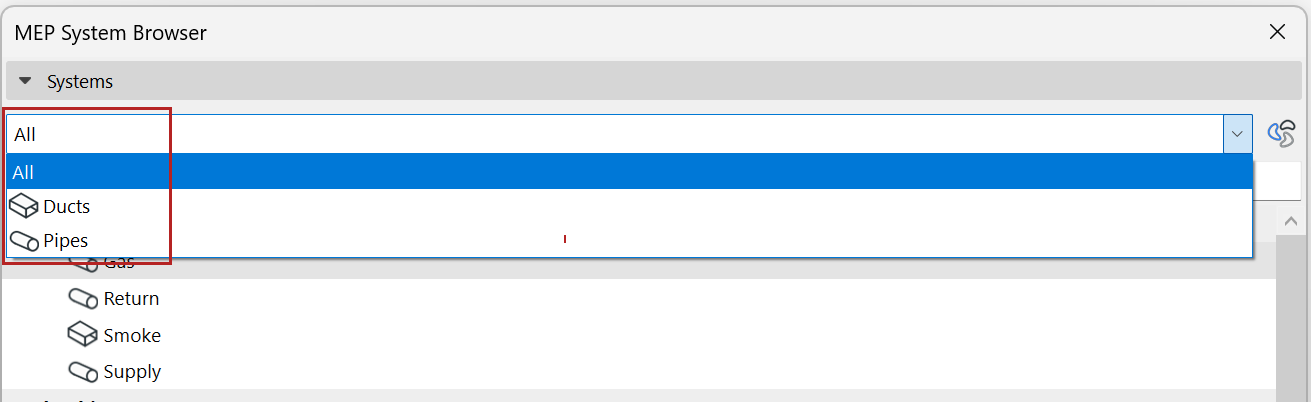
- Filter System list by Ducts or Pipes, or use the search bar
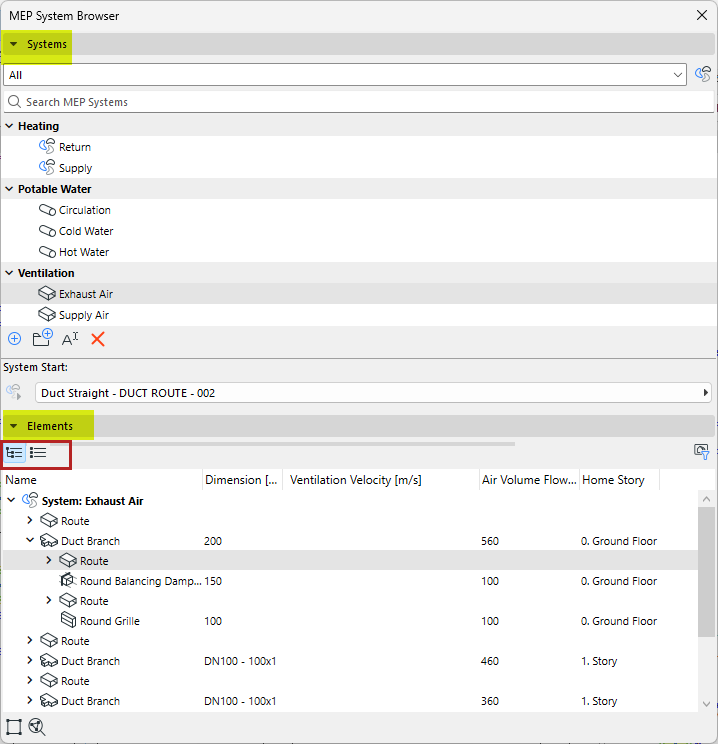
- View data in a hierarchical tree structure, or as a flat list (switch
views using the icons)
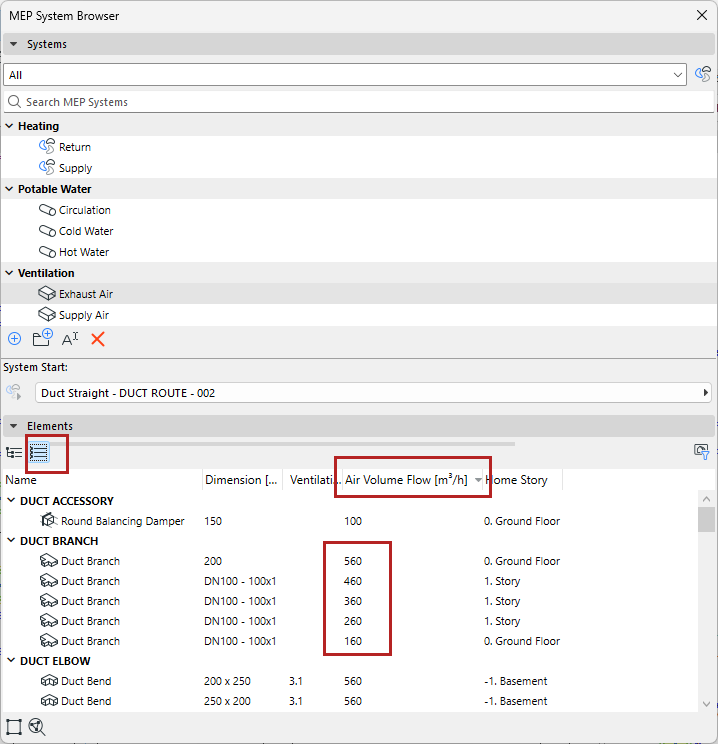
Sort and filter element data
To sort values in order, switch to flat list view, and click the column header:
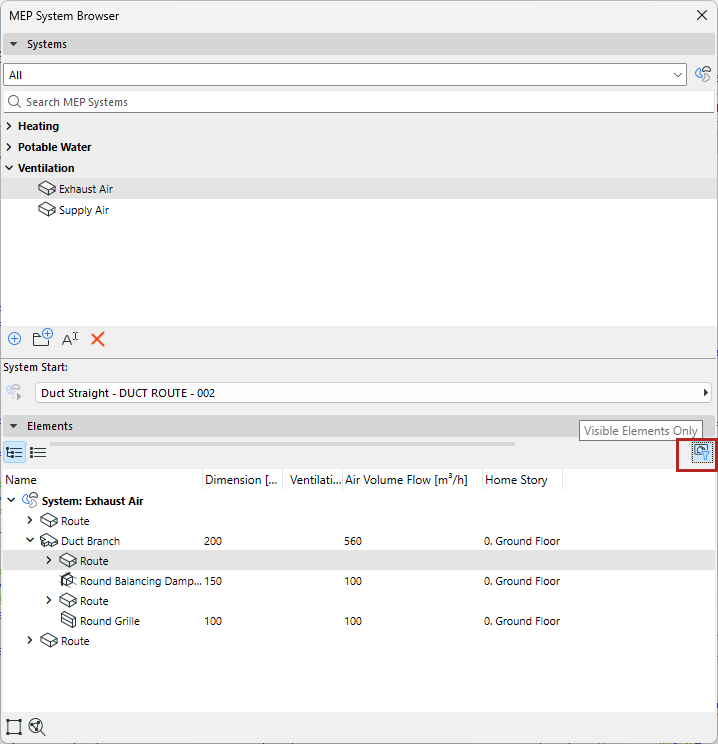
Filter for Visible elements only
To show data only for elements visible in the current view, filter by “Visible Elements Only”.
For example:
Select in Model/Zoom to Selected
Right-click one or more elements, or use the icons at the bottom of the System Browser: