Remove a tag
Remove a tag from a Project item
Open the Projects page of BIMcloud Manager.
Select the item from the Navigator.
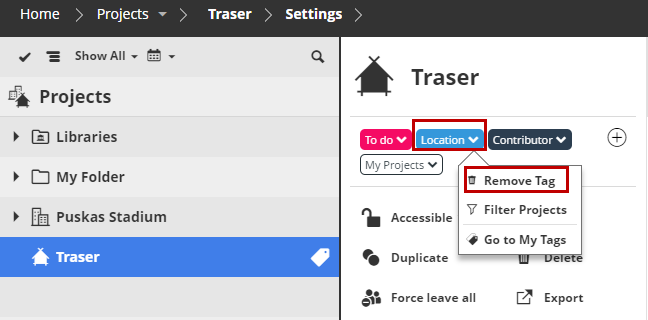
From the summary section, click the tag you want to remove.
Click Remove Tag.
Remove a tag from a Project item
Open the Projects page of BIMcloud Manager.
Select the item from the Navigator.
From the summary section, click the tag you want to remove.
Click Remove Tag.