Available with Archicad Collaborate
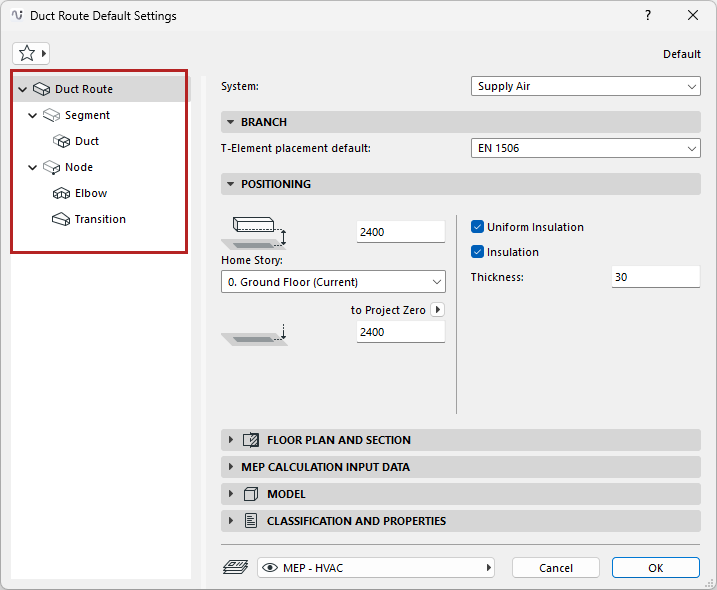
Each MEP Route - Duct Route, Cable Carrier Route, and Pipe Route - consists of a hierarchy of the main Route element, plus its sub-elements: segments and nodes.
Each of the Route Settings dialogs reflects this hierarchy. Use the settings pages to set default options for the Route element and its sub-elements.
Route Settings - Branch, Positioning, Insulation
MEP Calculation Input Data (Duct Route)
Display of Route Element: Floor Plan and Section, Model Display
Design Criteria for Elbows and Transitions
MEP Element Custom Settings (Duct, Cable Carrier, Pipe, Elbow, Transition)
You can customize any particular sub-element. Once a setting is customized and no longer the default, the dialog alerts you that a custom setting is in effect.