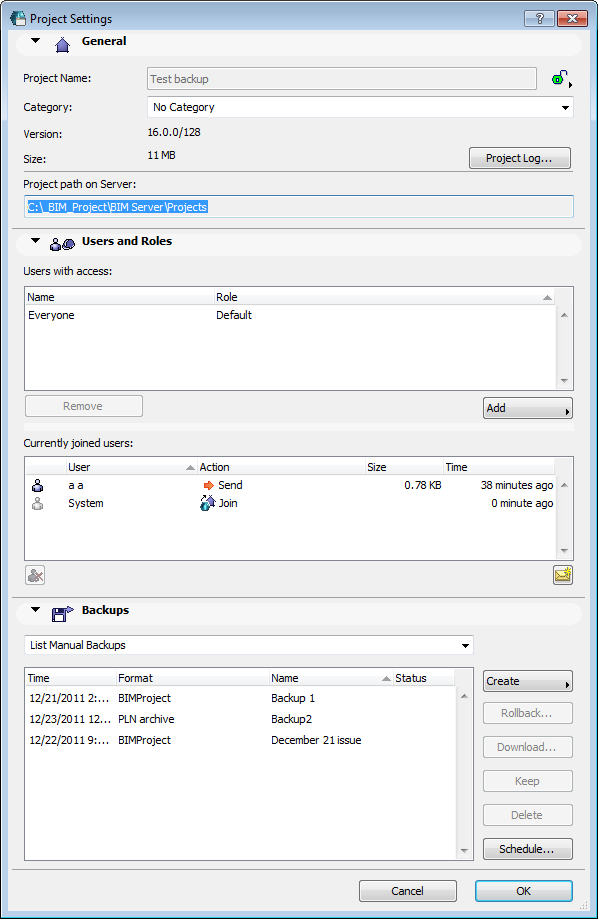
The Project Settings dialog box can be reached from both from the Server Manager and from ArchiCAD. Any user can open and view this dialog, but only a Server Administrator or Project Administrator can make changes.
To open Project Settings, do one of the following:
•Select a project from the Projects page of BIM Server Manager, then click Settings to open Project Settings.
•Use ArchiCAD menu commands:
Teamwork > Project > Teamwork Project Settings
Options > Project Preferences > Teamwork Project Settings
Controls of the Project Settings dialog box are described in the sections below:
Assign Users and Roles to Teamwork Project